A quiet install.
The Windows installer is per-user, needs no administrator rights, and keeps your data when you uninstall. SmartScreen may warn because the build is not yet code-signed.
Siderkit Break
A calm, local-first focus timer for Windows, macOS, and Linux. It keeps a quiet rhythm, stays out of your way, and reminds you to stand up and look away.
Read the docsSiderkit Break
08810660fe46…Release candidate. Public 1.0 is being prepared; the GitHub release page is the source of truth until the signed build is published.
Full checksums are listed in the release notes.
Siderkit Break
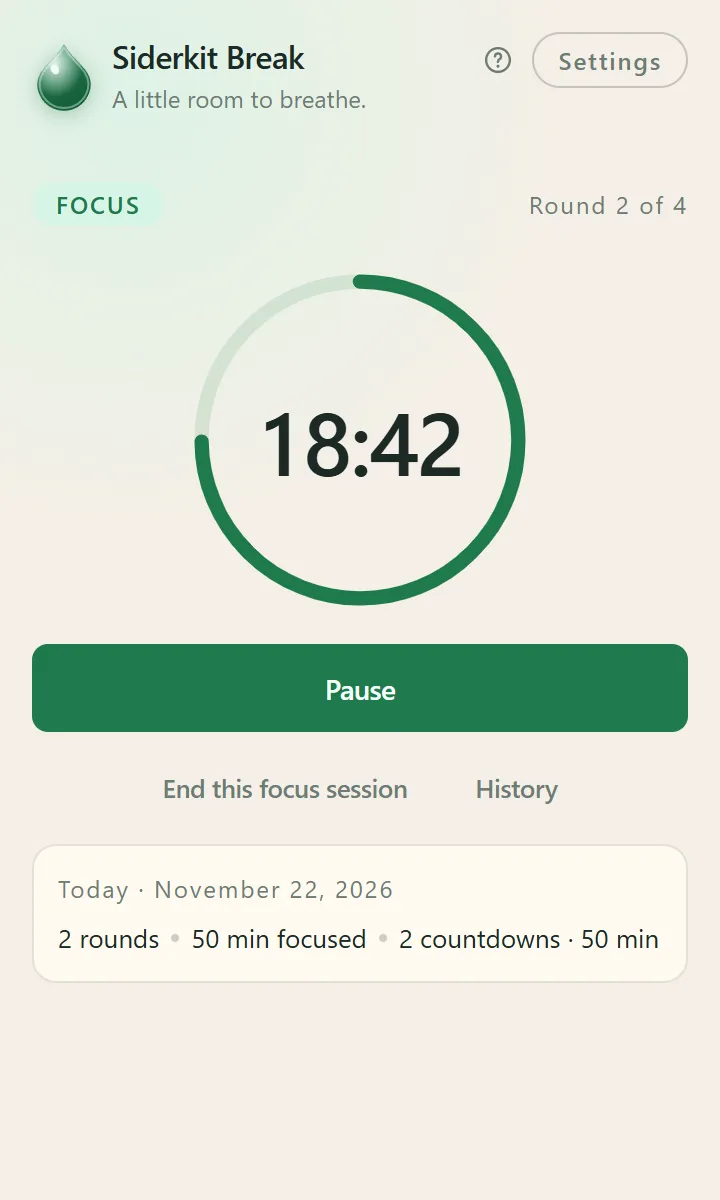
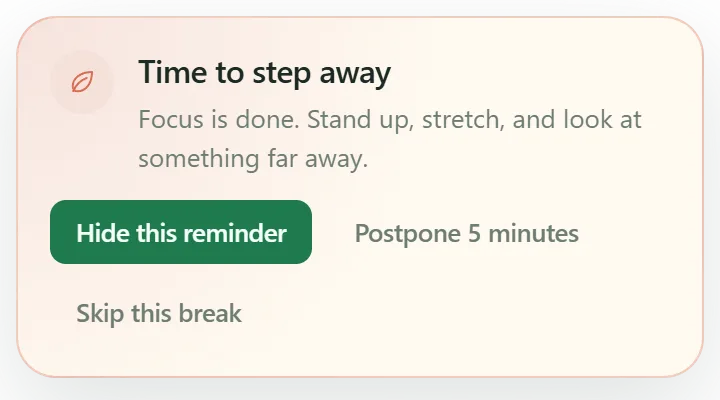
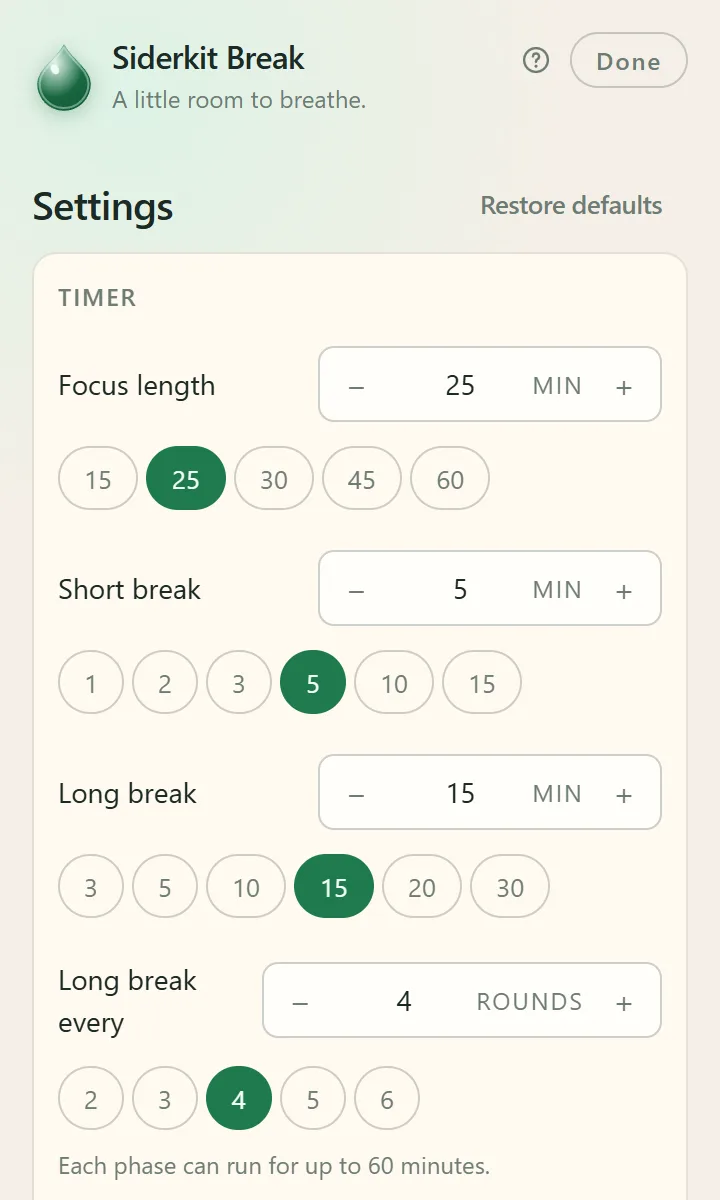
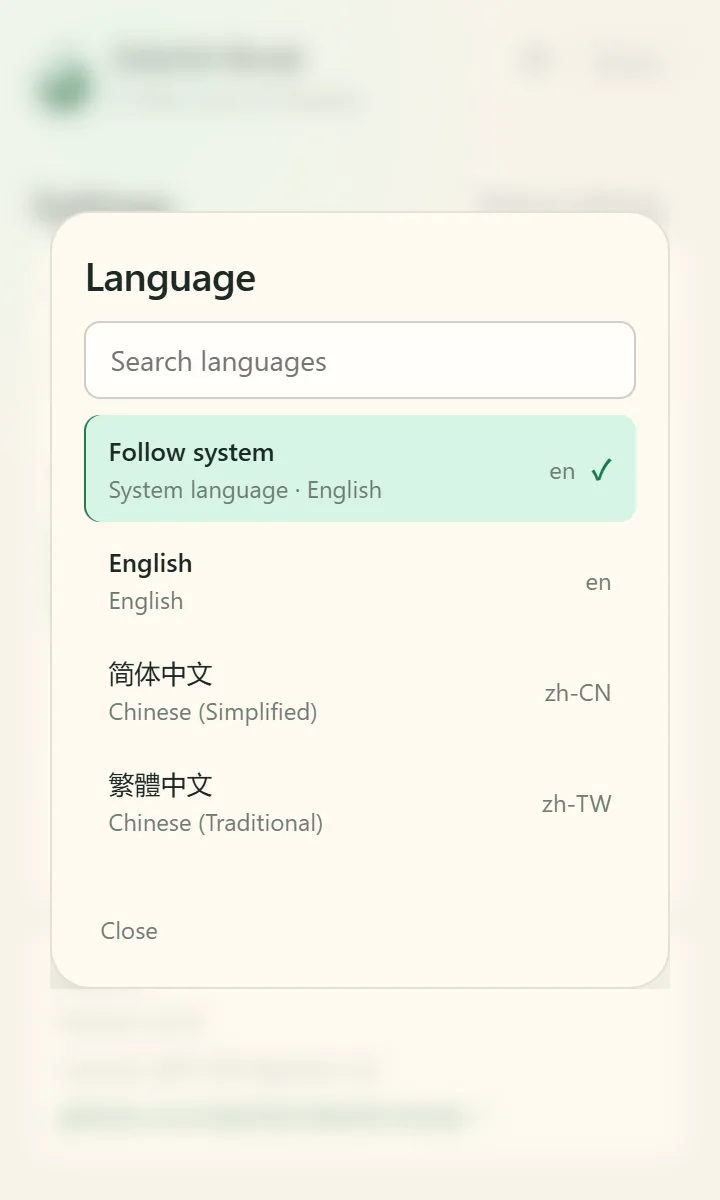
Captured from the running app.
Siderkit Break
A small surface, built for the way a working day actually goes.
25/5/15 by default. Every length and the long-break interval can be changed.
Always on top, click-through until you point at it, and labeled by phase.
A small card at every boundary, with postpone, skip, and a built-in chime.
Review completed, skipped, and interrupted sessions by day.
Export a styled .xlsx with summary, daily, and session sheets.
System-language detection, right-to-left layouts, light and dark themes.
The Windows installer is per-user, needs no administrator rights, and keeps your data when you uninstall. SmartScreen may warn because the build is not yet code-signed.
On Windows, Break checks for signed updates in the background. It downloads only when you ask and installs on restart. macOS and Linux builds are downloaded manually.
Sessions live in a local SQLite database. There is no account and no sync. Update checks can include an anonymous install ID; you can turn that off or reset it in Settings.
Siderkit Break
Windows is the primary target. macOS and Linux are supported with the notes below.
| Platform | Minimum | Artifacts | Status |
|---|---|---|---|
| Windows 10 / 11 x64 | Windows 10 1809 (build 17763) | NSIS installer | Primary |
| macOS Intel | macOS 10.15.7 with Safari 15.4+ | Universal DMG | Unsigned |
| macOS Apple Silicon | macOS 11.0 | Universal DMG | Unsigned |
| Ubuntu 22.04+ | webkit2gtk 4.1, X11 | deb, rpm, AppImage | X11 recommended |
Wayland cannot position a top-level window reliably; use an X11 session for the full floating countdown.
Apache-2.0. The source, installer, and third-party notices are public. The app bundles no analytics SDK and no third-party fonts.